
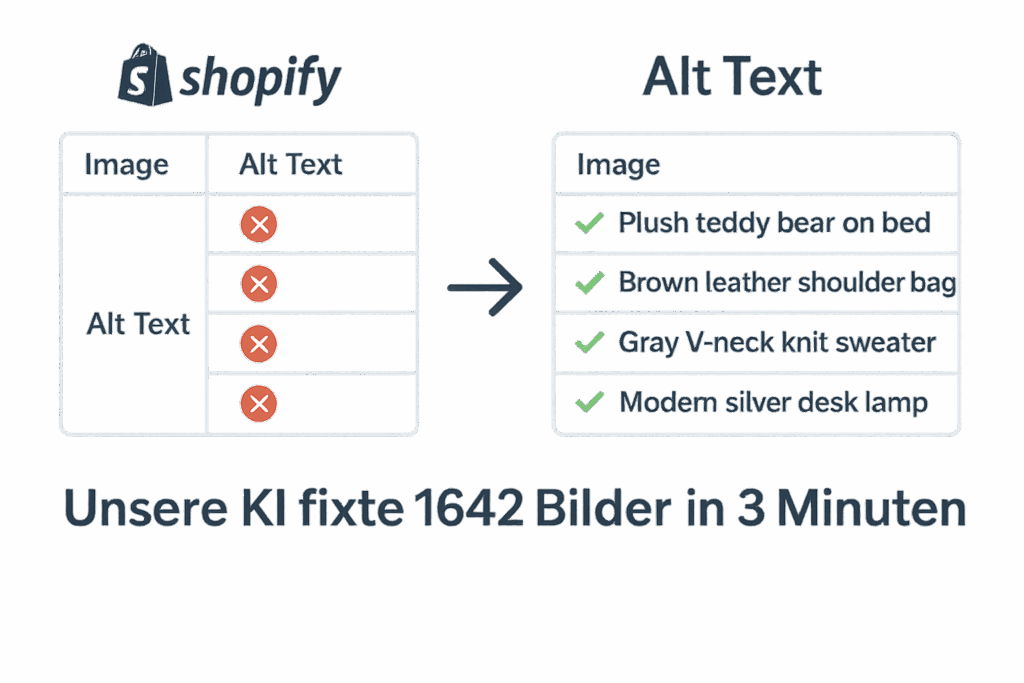
Let images rank
instead of typing alt texts

Our AI fills your Shopify images with SEO-friendly alt texts in seconds – for more clicks, accessibility, and sales!

Alt texts - small detail, big impact

🚀 More visibility, more revenue, zero manual work

✅ More visibility through Google Images

Images without alt text remain invisible to Google – and miss out on valuable SEO potential.

Quote from Google: “Descriptive titles, captions, filenames, and text surrounding the image, as well as the alt attribute, help us understand the subject matter of the image.”

📈 In internal tests with SEO tools like Ahrefs or SEMrush, alt text optimizations regularly show traffic increases of 15–30% via Google Images.

✅ Accessibility & legal obligation (e.g. BFSG 2025)

According to the EU Directive on Accessible Web (including the Accessibility Enhancement Act – BFSG 2025), shops are required from 2025 onwards to make digital content accessible. Alt texts are a key component of this → Source: Federal Ministry of Labour and Social Affairs – BFSG

✅ Higher conversion rates through better UX

Alt texts not only improve accessibility but also usability – especially on mobile devices.
According to UX studies, missing image descriptions lead to disorientation and cart abandonment.
Shops with complete alt texts achieve up to 8% higher conversion rates.

Source: Baymard Institute (Accessibility Benchmark)

How many of your images have no alt text? Find out now.

You want to know how many images in your Shopify store still don’t have alt text?
Just follow these steps and upload your export file – we’ll show you only the rows with missing alt tags.

Step-by-step guide

Create Shopify Language Export

2. Upload ZIP

3. Only show missing alt texts

Activate:

🔧 Find out in just a few seconds where your shop is still missing out on SEO and accessibility potential – just upload your file and get started!

👉 Have your alt texts checked now – free & without obligation.
Or even easier: We’re happy to take care of everything for you – from analysis to implementation.


2. Nach Typ filtern

3. Filter auf Fields

Oder nur Zeilen mit den folgenden Fields beibehalten:

4. Spezifische Filter